
How do you create and assign Fetchers in Corsair Cove?
Create a Fetcher from the logistics/building UI when you have housing room, then assign that Fetcher to the producer–Warehouse path. Confirm the route turns green before adding more mills.

Corsair Cove Fetchers guide: create and assign haulers, warehouse placement, path colors, and vertical logistics fixes when chains stall. Verified August 2026.
Create and assign Fetchers, place Warehouses, and keep early haul paths green on cliff maps.
~10 min read
Sponsored
Corsair Cove logistics is the difference between a pretty cliff city and a working pirate cove. This Corsair Cove Fetchers guide covers how to create and assign haulers, place Warehouses, read green/yellow/red path feedback, and fix stalled chains on vertical terrain. Built by Limbic Entertainment and published by Hooded Horse. Verified August 16, 2026 · Steam.
| Fact | Detail |
|---|---|
| Platform | Steam · Epic · Microsoft Store · PC Game Pass |
| Genre | City Builder · Simulation · Strategy · Pirate |
| Goods | 50++ recipe items that need haul routes |
| Core unit | Fetcher — assigned hauler between buildings / Warehouses |
| Hub building | Warehouse — buffer stock and shorten trips |
| Feedback | Path colors: green (efficient) · yellow (slow) · red (broken/too long) |
| Vertical tools | Bridges · ziplines · elevators · cliff paths |
| Related guides | Beginner · Production chains · Vertical building |
Players searching how to create and assign Fetchers in Corsair Cove usually hit this wall in the first hour: buildings produce, but nothing moves. Drifters erect structures; Fetchers are the dedicated haulers you create and pin to routes so workshops never wait on a captain walking planks by hand.

Create spends a pirate into the Fetcher role. Assign tells that Fetcher which buildings or path colors to serve. Skipping assign is the most common demo mistake — you hire haulers who stand idle while the UI still shows “no Fetcher on route.”
If the create button is greyed out, check housing capacity and Pirate Camp connection first. Logistics never overrides the camp rule from the beginner guide.
Fetchers move goods (planks, stew inputs, rope, powder). They do not replace Drifters building new structures, and they do not crew ships. Keep a small pool of Drifters for construction spikes, then promote spare mouths into Fetchers as chains multiply past what hand-carrying can cover.
A Warehouse is a buffer node, not a trophy building on the nicest overlook. Place it where Fetchers already walk — between producers and consumers — so every trip is short enough to stay green.
| Cluster | Warehouse sits between… | Why |
|---|---|---|
| Lumber | Woodcutter / Sawmill ↔ Pirate Camp builders | Planks are the most frequent early haul |
| Food | Campfire / farm nodes ↔ Galley | Stew must reach distributors before Greenhands idle |
| Drink | Moonshine Still ↔ Tavern | Booze piles look fine until Tavern stock hits zero |
| Shipwright | Rope / Sail workshops ↔ Dry Dock / Pier | Keeps Tier 2 builds from starving mid-hull |
| Military | Powdermill ↔ Gun Tower / Armory | Long powder walks are how defenses go quiet |
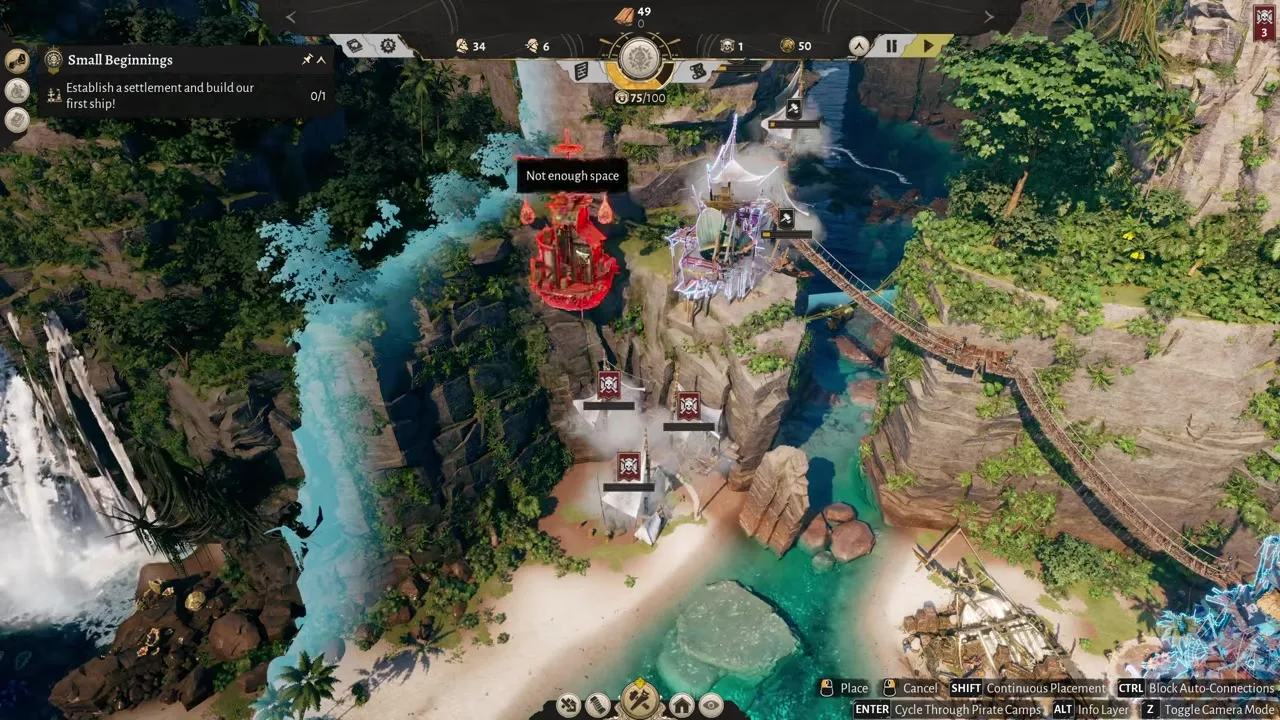
On vertical maps, a Warehouse three tiers below your Sawmill forces every Fetcher through ladders and bridges. Prefer one Warehouse per functional shelf, then use bridges only for occasional cross-shelf transfers (stone, iron, raid loot).
When you unlock better storage or principle buildings, upgrade in place — moving an entire lumber triangle mid-run is how yellow paths become permanent.
Full Warehouses stop inbound hauls. If producers show “output full,” empty or expand storage before building another Woodcutter. Downstream workshops that only pull from Warehouse stock will look broken when the real issue is a clogged buffer — check stock counts before you rebuild the path.
Corsair Cove paints haul routes so you can diagnose logistics without a spreadsheet. Treat colors as a health meter for each leg of the chain.
| Color | Meaning | First fix |
|---|---|---|
| Green | Short, clear route — Fetchers keep up | Leave it; expand production only if stock still rises |
| Yellow | Long or congested — throughput is soft | Add a mid Warehouse or cut a bridge shortcut |
| Red | Broken connection, extreme distance, or missing assign | Re-link to Pirate Camp; reassign Fetcher; shorten the leg |
A green lumber triangle can sit next to a red powder walk. Fix the red leg first — military and food reds hurt morale faster than a slightly yellow plank route.
After you change bridges or demolish a building, re-check colors. The game updates feedback when the network changes; stale yellow lines after a rebuild usually mean an orphaned assignment.
If you must choose, keep food → Galley and booze → Tavern green before optimizing vanity goods. Idle Greenhands from missed stew cost more than a delayed spyglass.
A stalled chain is almost never “the recipe is wrong.” Work this decision table top to bottom before you demolish half the cliff.
| Symptom | Likely cause | Action |
|---|---|---|
| Producer idle with red camp icon | No Pirate Camp connection | Repair path / bridge / zipline to camp |
| Producer full, warehouse empty | No Fetcher assigned on that leg | Create + assign Fetcher |
| Warehouse full, workshop empty | Downstream not pulling / wrong input | Check recipe building and staffing |
| All yellow/red after expand | Hub too far after new mills | Add shelf Warehouse; split cluster |
| Stew in stock, workers idle | Galley / Tavern not distributing | Build distributor; short path from Warehouse |
| Ship build stuck mid-progress | Rope/sail/plank haul broken | Dedicated shipwright Warehouse near Dry Dock |
The high-volume question how do you create and assign Fetchers in the Corsair Cove demo maps to the same loop in 1.0: create the unit, assign the route, confirm green. If the demo UI labels differ slightly, the failure mode is identical — unassigned haulers and beach Warehouses.
If stock of every input sits in the Warehouse and the workshop still refuses to craft, the recipe or unlock is the issue — jump to production chains instead of spawning more Fetchers.
Matched by build plan, shared topics, and guide progression — not random related links.
Vertical building is a logistics multiplier. Every ladder, bridge, and zipline adds travel time; every well-placed connection can erase a yellow path without moving buildings.
Bridges and cliff paths are the default for heavy plank traffic. Ziplines (often Notoriety-gated) shine for long horizontal spans where walking the cliff face paints yellow. Elevators / aerial lifts (principle unlocks) save vertical trips between shelves that share a Warehouse triangle.
Do not zipline every vanity overlook. Connect shelves that exchange goods every minute; leave scenic tiers for housing once food is stable.
Stack producer → Warehouse → distributor on the same elevation whenever flat pads allow. Use vertical links for raw nodes that only spawn on distant cliffs (ore, fiber), not for stew that should never leave the camp shelf.
Full layout patterns live in vertical building — come back here when a new bridge turns a green path yellow overnight.
Demolishing a mid-path Warehouse orphaned every Fetcher that targeted it. Before you delete, pause production or reassign haulers to a temporary buffer. After rebuild, re-create the colored path even if buildings look linked — visual roads and Fetcher assignments are not always the same object.
Principle unlocks that add Gambling Dens or Guildhalls near producers can steal walking space. Leave a clear strip for haulers; beauty props that force zigzag routes are silent yellow-path generators.
Run this list before you place the next Sawmill or Dry Dock. Expanding on red paths multiplies the mess. Treat it as a gate — if three items fail, fix logistics before chasing a new Compass tier.
Every Fetcher is a mouth that needs stew and housing. If you convert every spare pirate into haulers, Woodcutters sit empty and the Warehouse never refills. A stable early ratio is roughly one Fetcher per busy producer pair, then add haulers only when path colors worsen after a production upgrade — not after every decorative building.
When Cohesion dips, cut luxury hauls first (tobacco, jewellery) and keep food/booze green. Logistics exists to protect morale uptime, not to maximize vanity stockpiles. Cross-check needs on the crew guide if workers keep deserting despite full Warehouses.
Ships dump raid goods at piers. Without a Warehouse near the waterline, Fetchers drag grain, coin, and blubber up three cliffs into the wrong cluster and paint new yellow paths. Park a coastal buffer, then schedule a slower transfer to inland storage once the next expedition launches.
Expedition Supplier buildings help, but they do not replace Fetcher assignments. After a big haul, watch pier path colors for a few minutes before you queue another Dry Dock job.
Corsair Cove is single-player, so you can pause and redraw paths without a raid timer punishing you. Use that freedom: when three Warehouses fill at once, pause, demote a luxury chain, and reassign Fetchers to food before you unpause. The players who stay green are the ones who treat logistics as a turn-based puzzle, not a real-time panic.
If you are still learning the UI labels from the demo, pair this page with the beginner guide opening checklist — camp connection first, Fetchers second, Compass third.
Create a Fetcher from the logistics/building UI when you have housing room, then assign that Fetcher to the producer–Warehouse path. Confirm the route turns green before adding more mills.
Usually missing assignment, no Pirate Camp link, or a full Warehouse. Fix connection and capacity, then reassign the route.
No — one Warehouse per production cluster is enough early. Split hubs when path colors stay yellow after you staff enough Fetchers.
Place each Warehouse within a short green walk of its producer pair (Woodcutter + Sawmill, Campfire + Galley, etc.) — see the warehouses section. One hub per shelf beats one mega-warehouse at the map center. Coastal buffers near piers catch raid loot before inland hauls.
Create a new Fetcher from the logistics UI when you have spare Drifters and housing room, then assign a colored path. You do not unlock Fetchers from the Compass — you staff them like any building worker. If paths stay yellow, add another Fetcher on that leg before building a fourth mill.
No. This guide is for the Limbic / Hooded Horse city builder, not Old School RuneScape travel.
Vertical building for cliff links, production chains for recipes, or buildings for structure roles.
Matched by build plan, shared topics, and guide progression — not random related links.